
Where To Customize Client Reminders
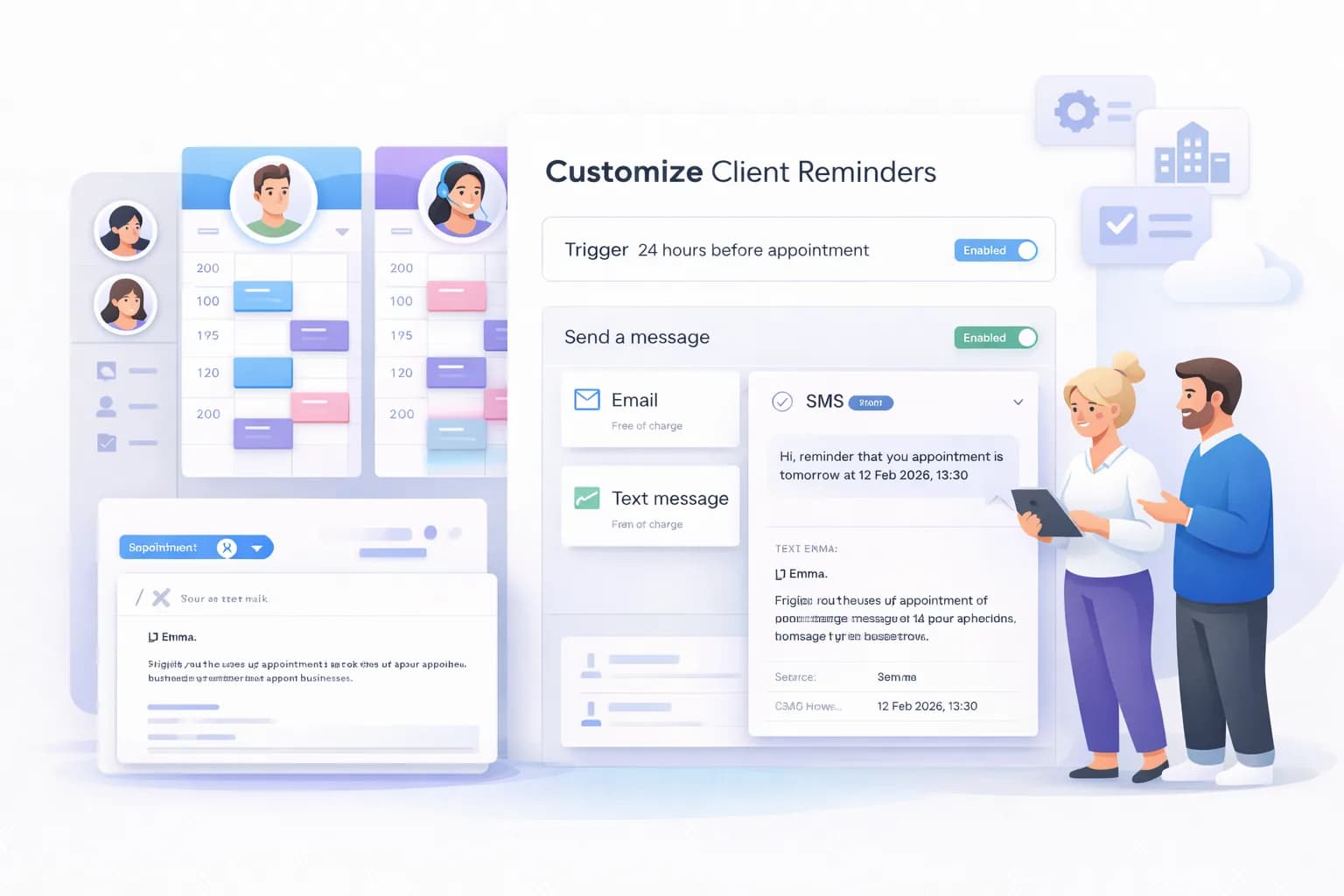
You can customize reminders from the Automation section in your Calentivo dashboard.
Reminders can be sent:
Before an appointment
After an appointment
As confirmations
As follow-ups
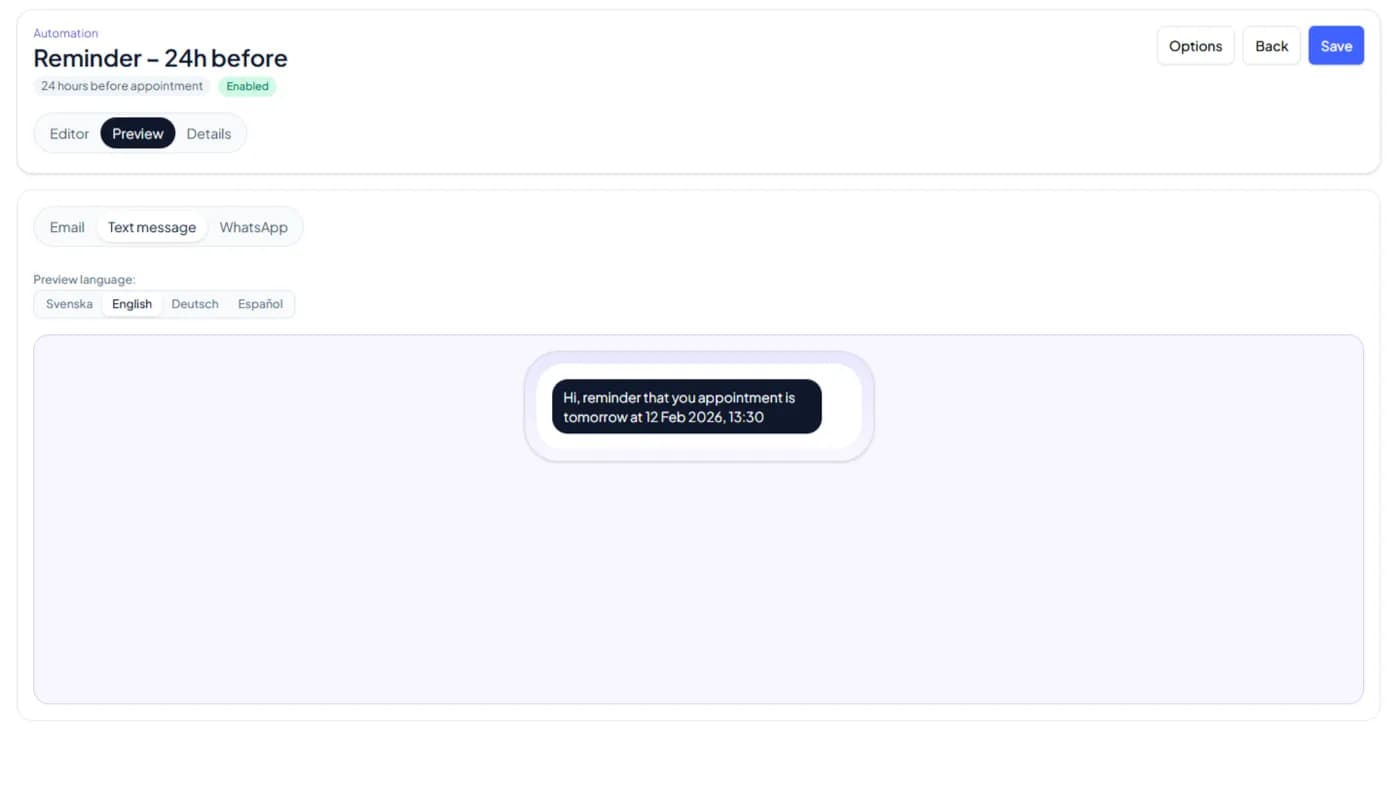
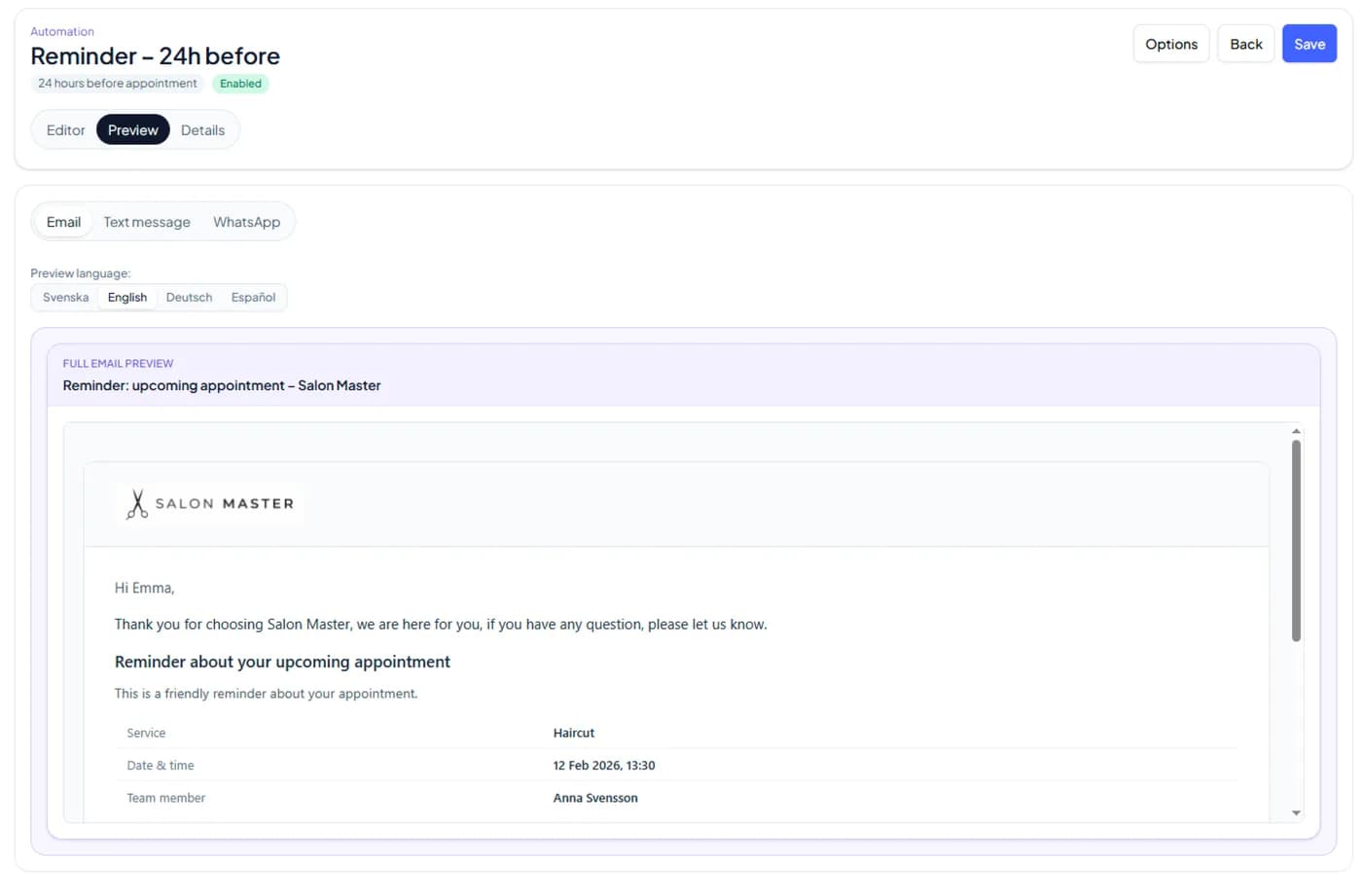
As reminders via Email, SMS, or WhatsApp
Each reminder can be customized individually.
Step 1 — Open Automation Settings
To customize reminders:
Go to Settings
Click Automation
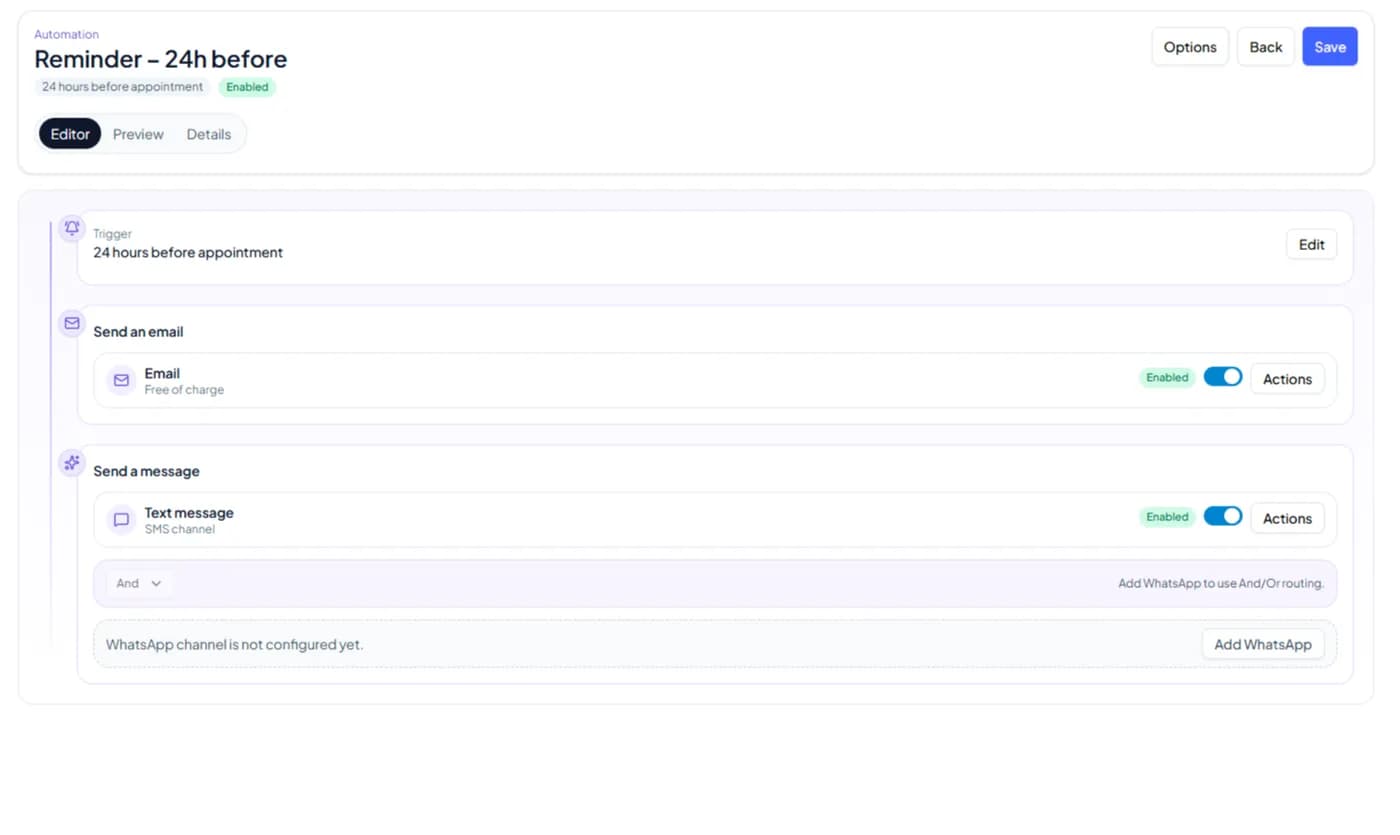
Open the reminder you want to edit (for example Reminder – 24h before)
Click Edit
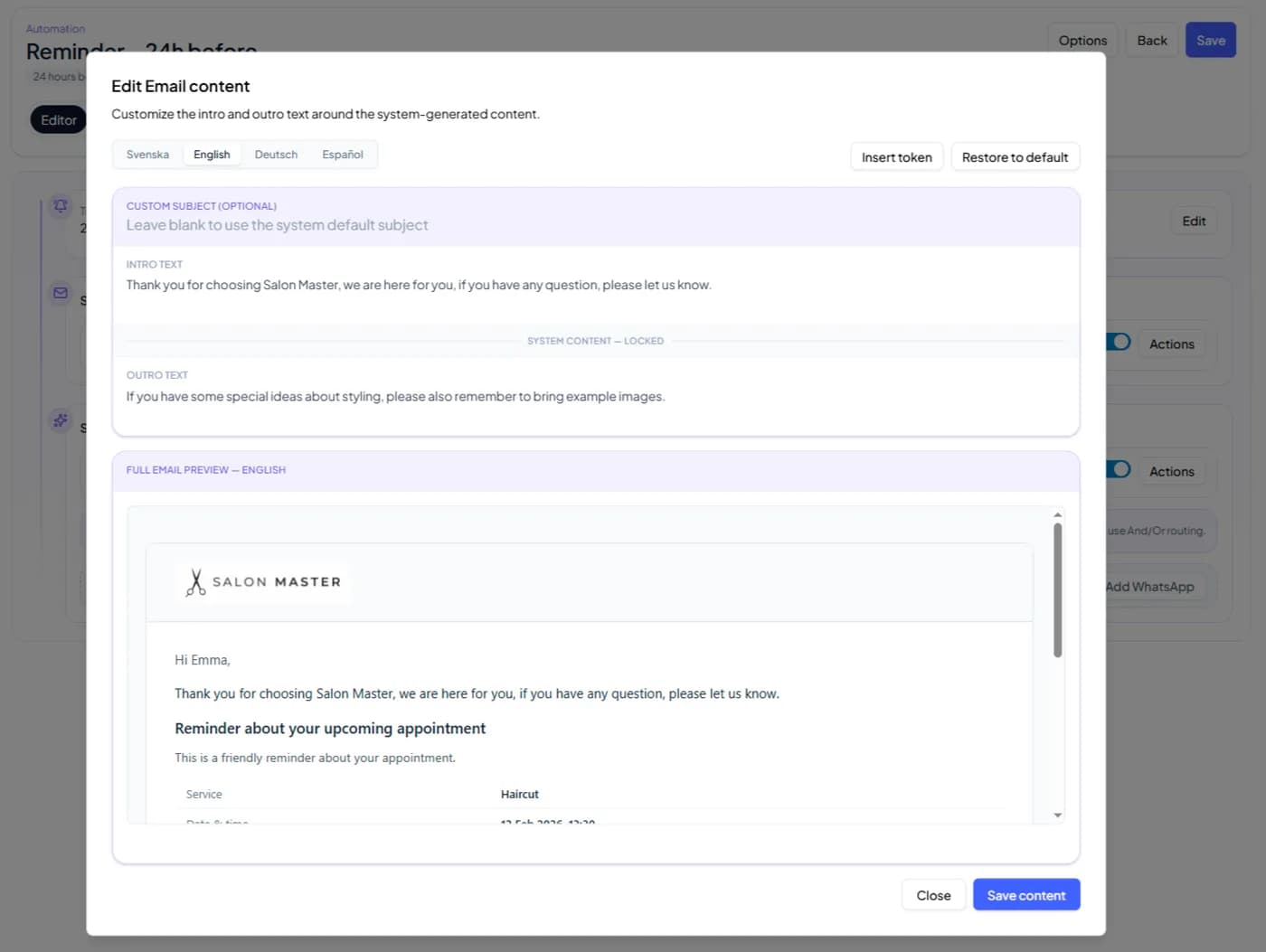
Open Email or Text message
Click Actions → Edit content