
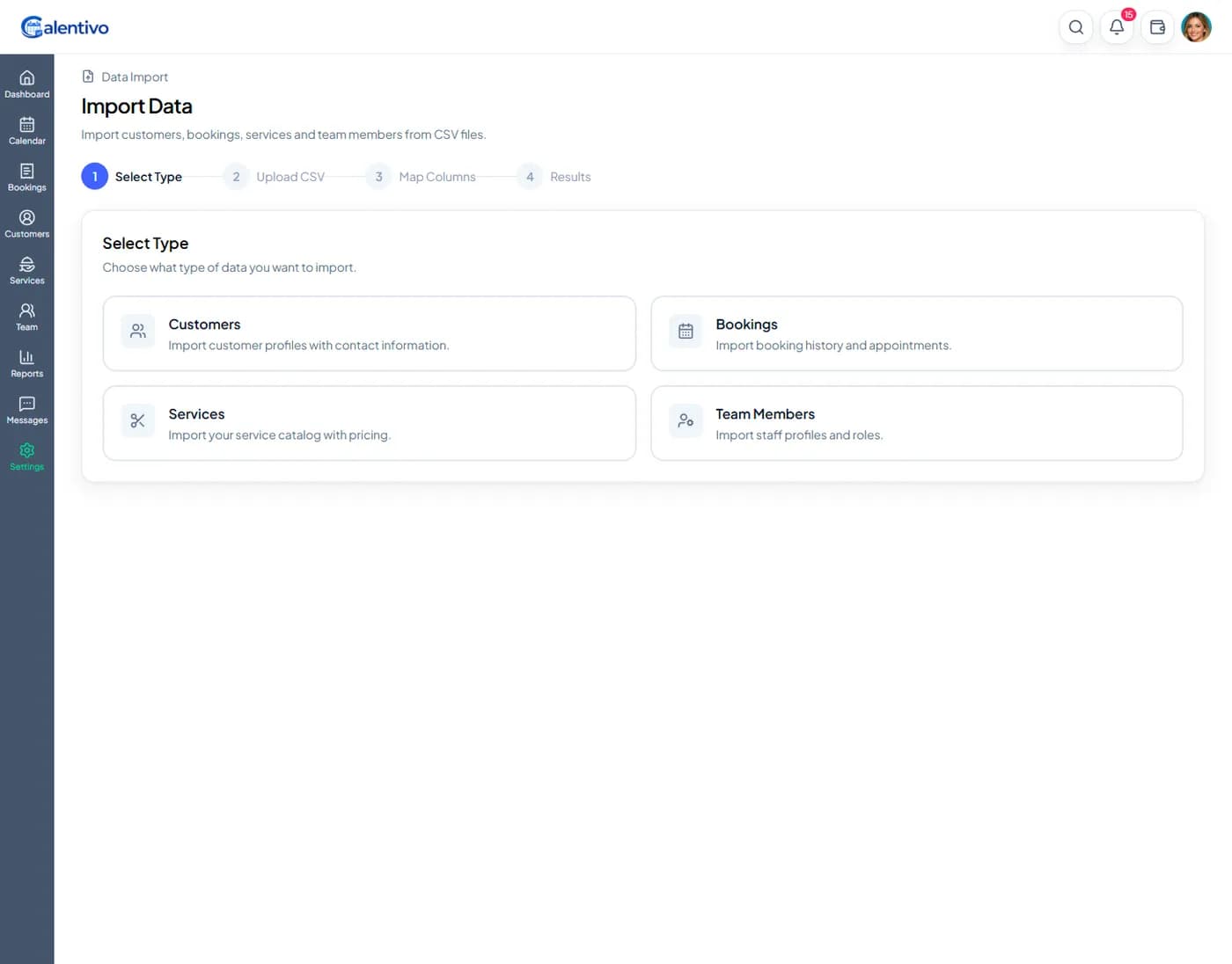
Step 1 — Select What You Want to Import
Go to Settings → Data Import in your Calentivo dashboard.
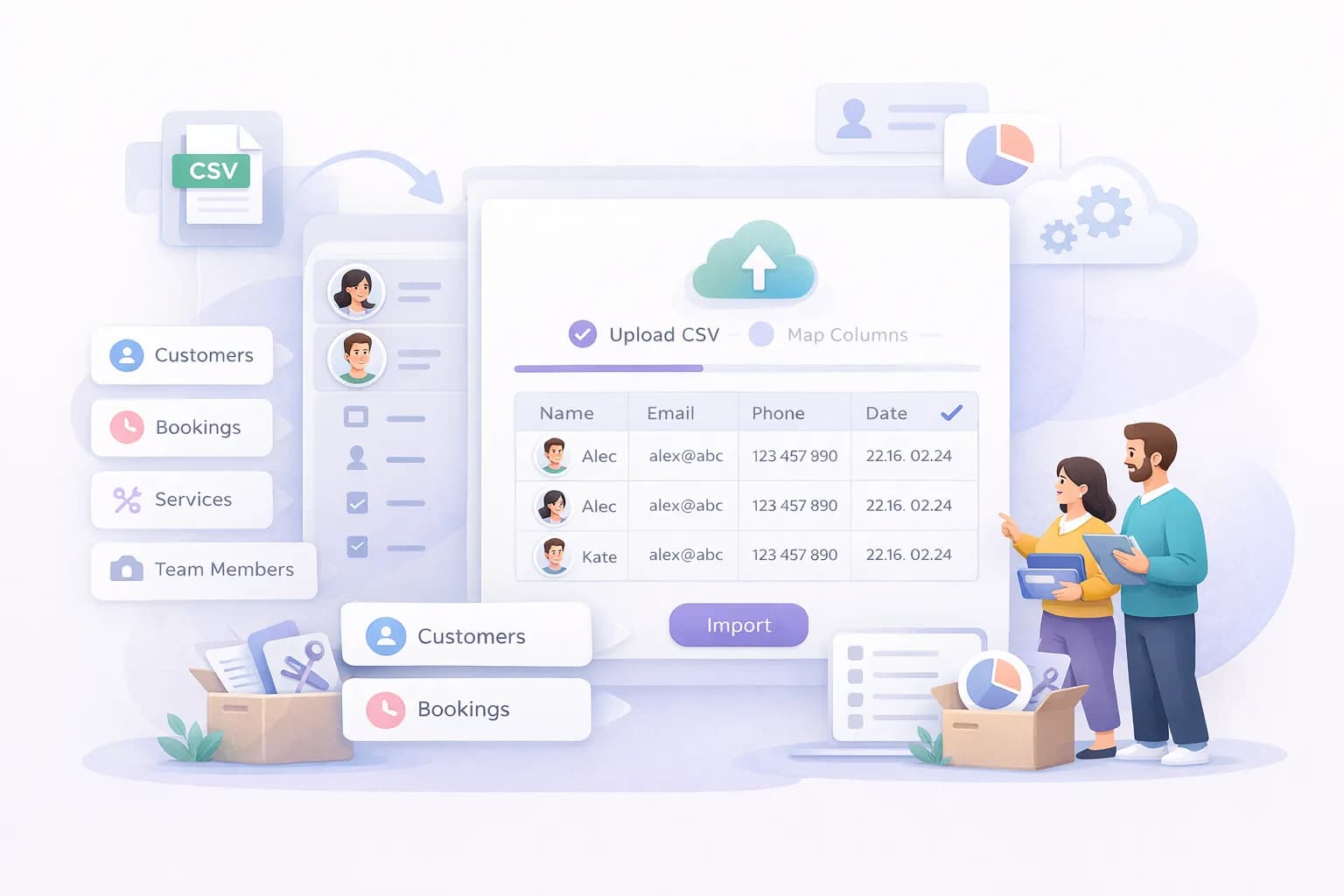
First, choose what type of data you want to import. You can import:
Customers
Bookings
Services
Team Members
Select the correct type before continuing to the next step.
Step 2 — Upload Your CSV File
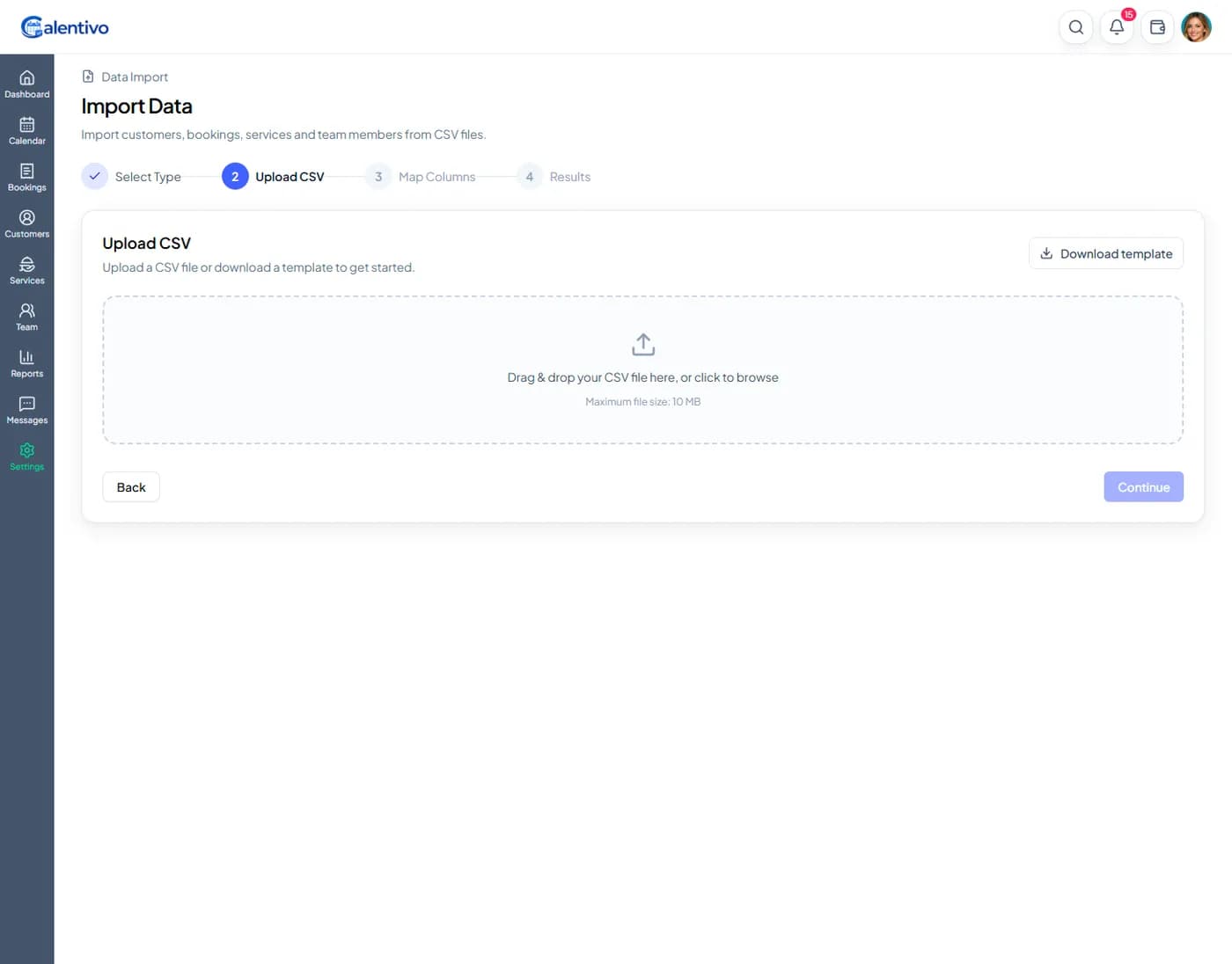
Upload your CSV file by dragging it into the upload area or clicking to browse your computer.
After uploading, Calentivo will:
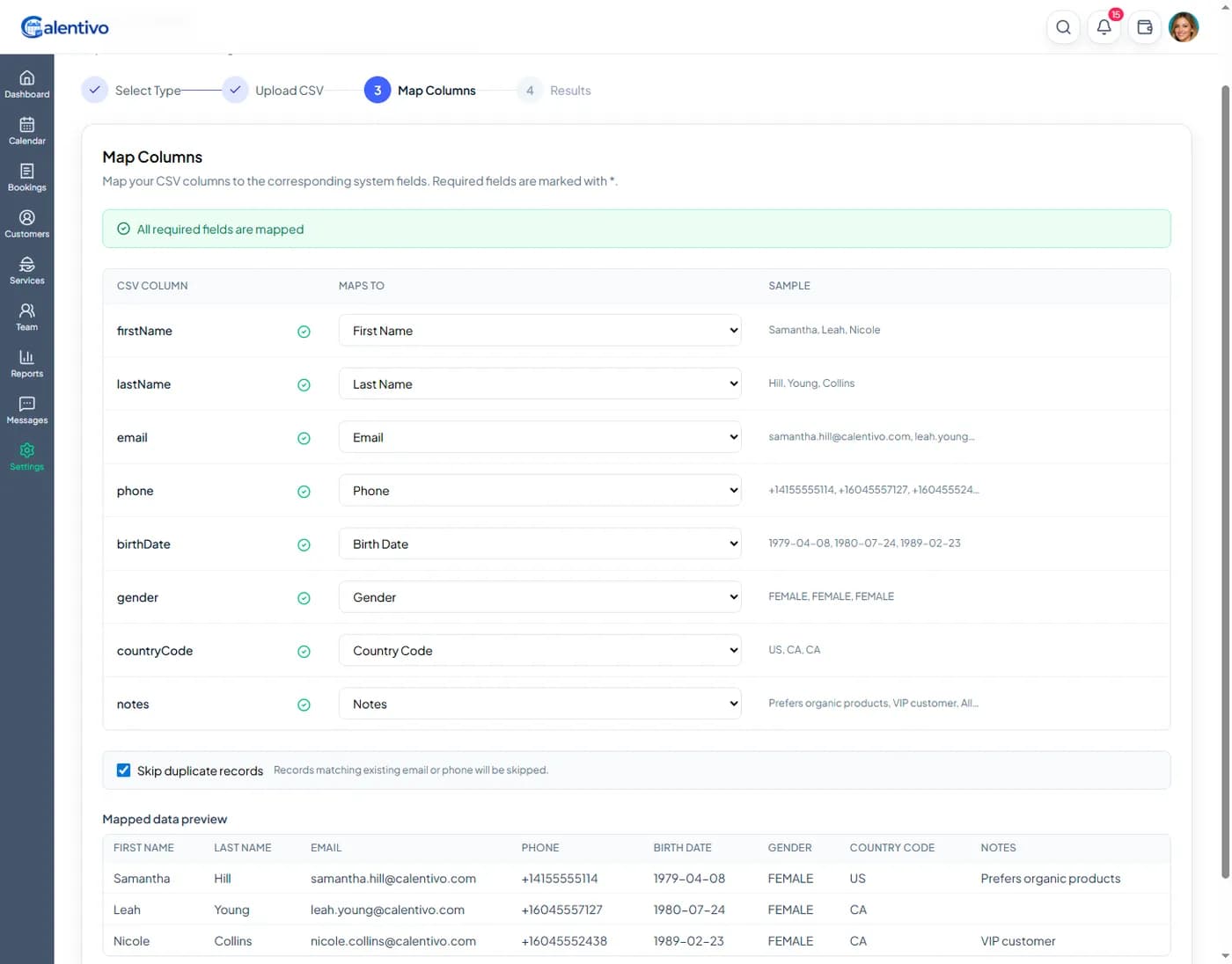
Detect the columns in your file
Show a preview of the data
Confirm how many rows were detected
Make sure:
The first row contains column headers
Emails are correctly formatted
Phone numbers include country code
Dates use the format YYYY-MM-DD