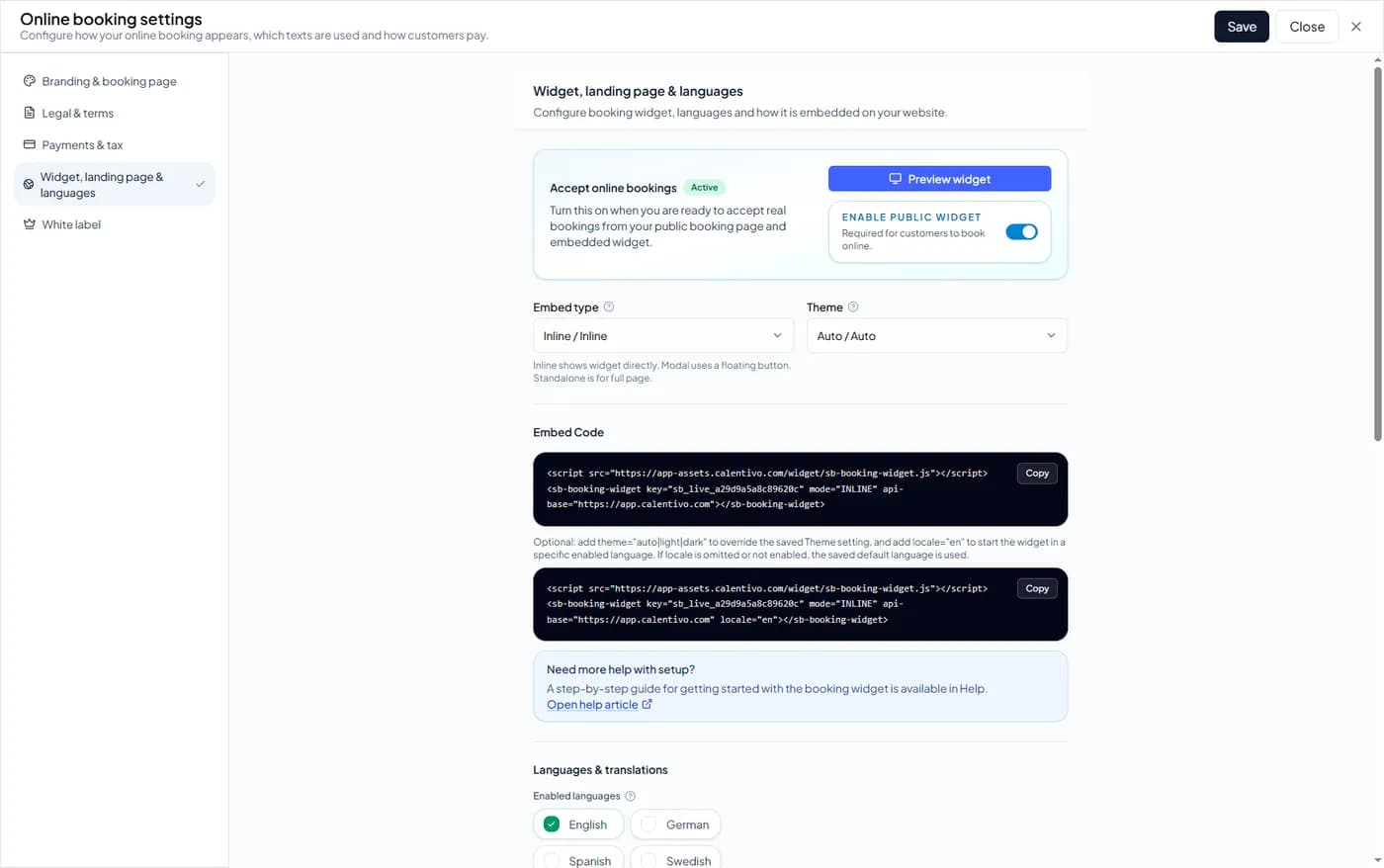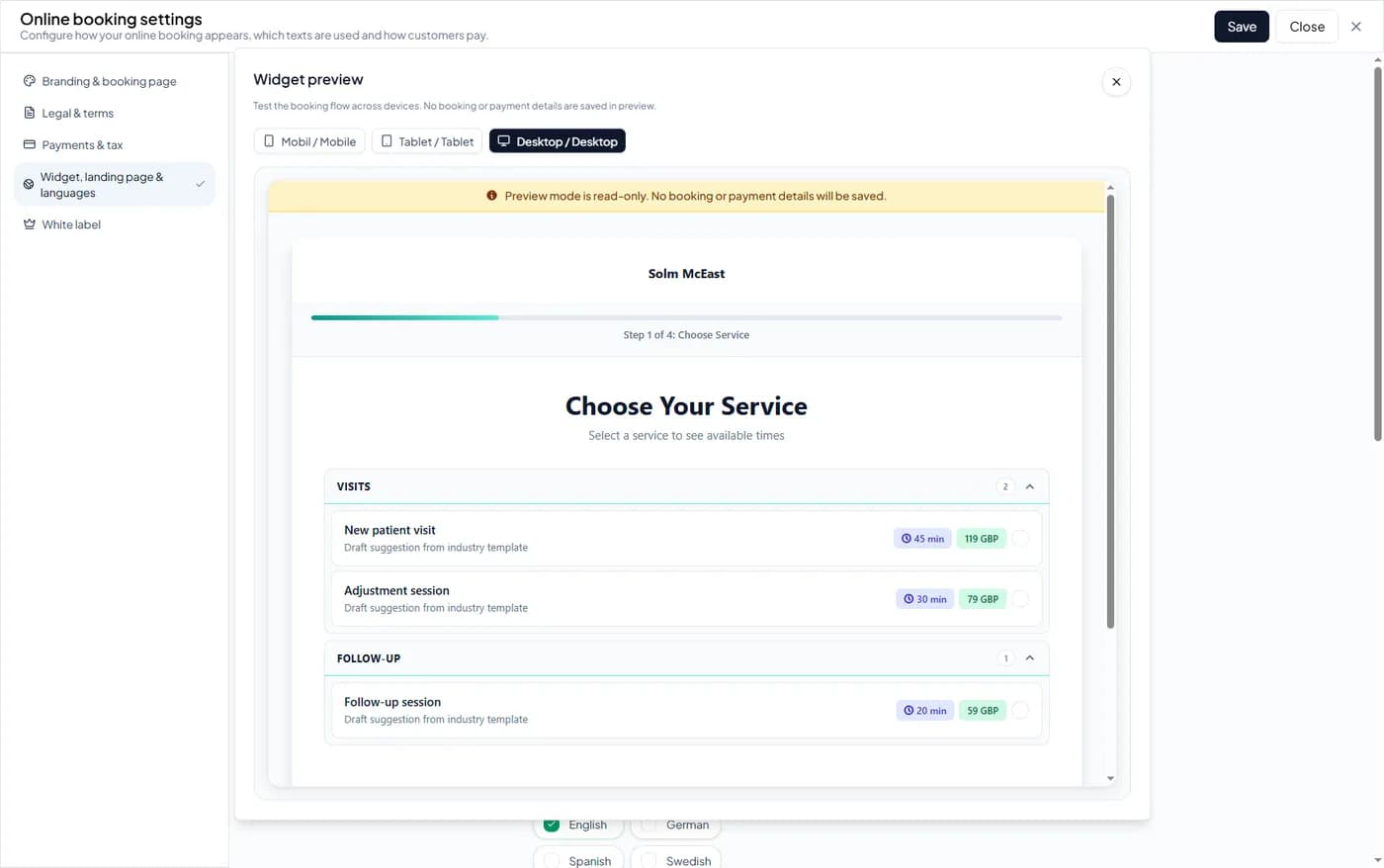


Step 1 — Open Online Booking Settings
To activate the booking widget, you first need to open the online booking settings.
Follow these steps:
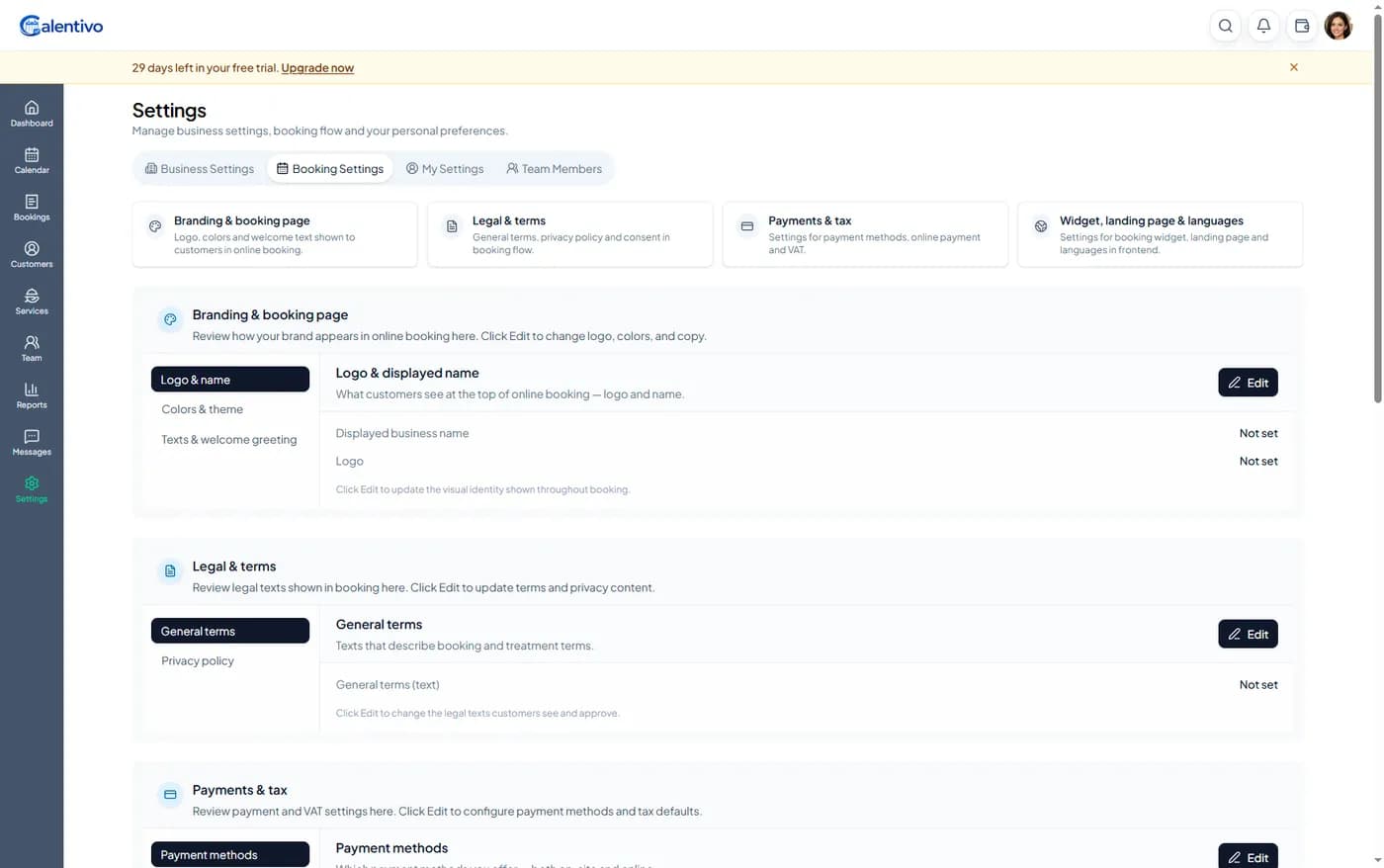
Log in to your Calentivo account
Go to Settings
Click Booking Settings
Open Widget, landing page & languages
This is where you control your booking link, widget settings, and languages.
Step 2 — Enable Online Bookings
Before customers can book online, you must enable public bookings.
In the Widget, landing page & languages section:
• Turn on Accept online bookings
• Enable Public Widget
• Click Save
Once this is enabled, customers can start booking online through your booking page or embedded widget.